Contig export
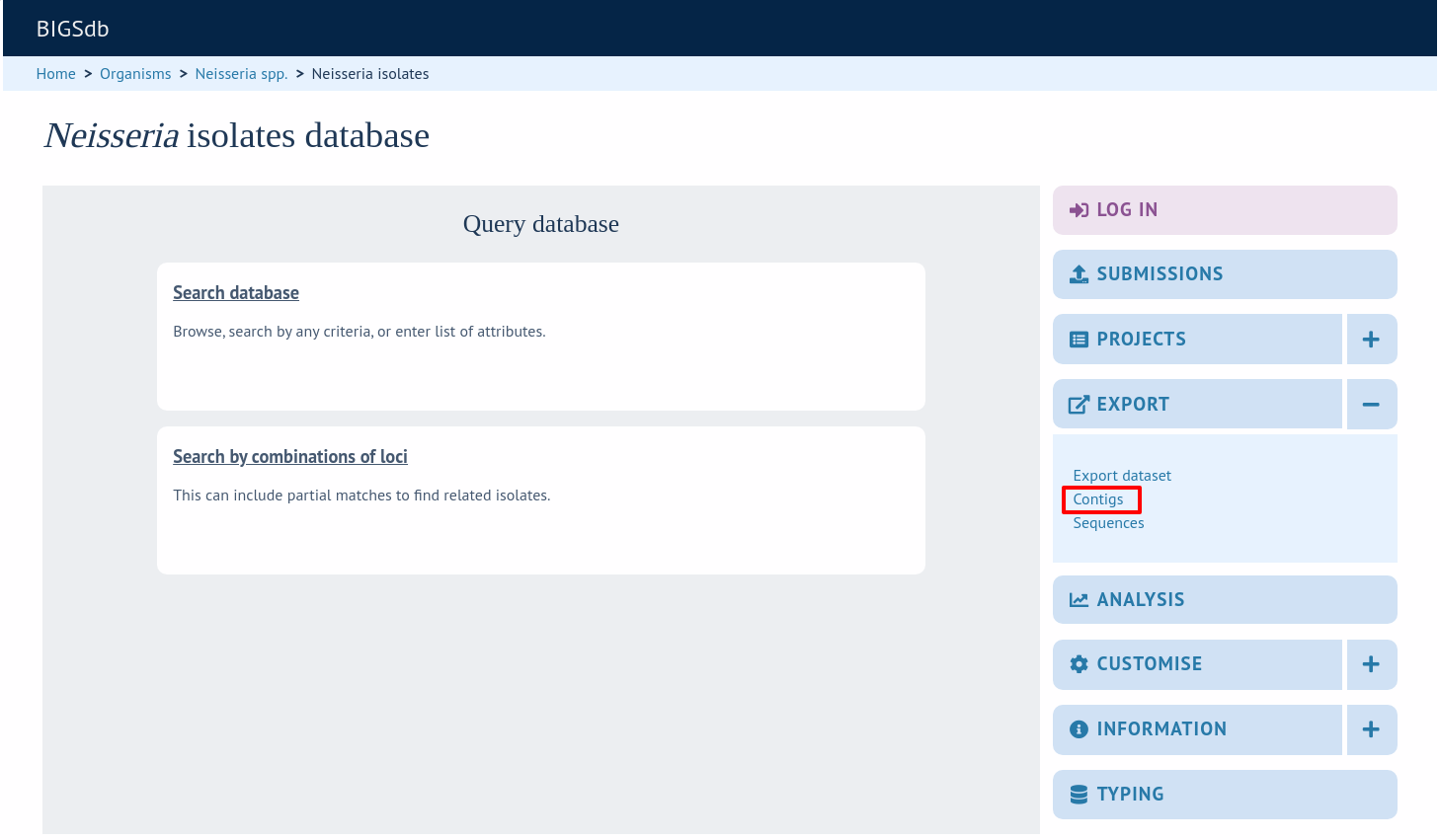
The contig export plugin can be accessed by expanding the ‘Export’ section and clicking the ‘Contigs’ link in the contents page of isolate databases.
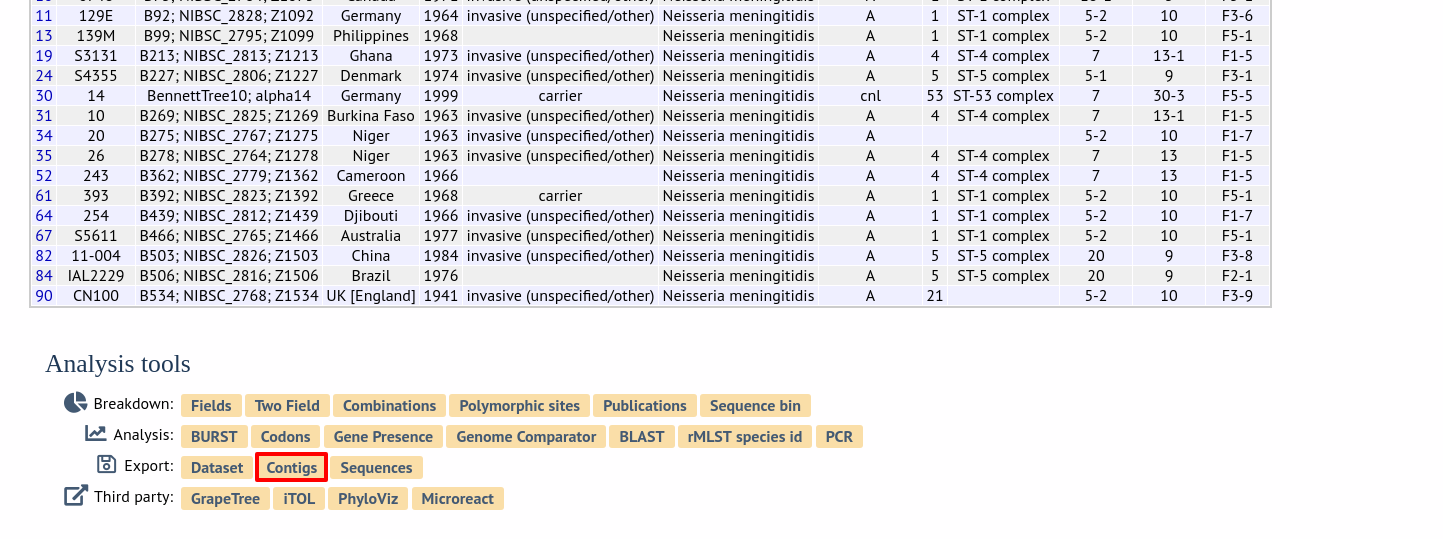
Alternatively, it can be accessed following a query by clicking the ‘Contigs’ button in the Export section at the bottom of the results table.
Select the isolates for which you wish to export contig data for. In databases with a large number of isolates you will need to enter the id numbers rather than select from a list. If the export function was accessed following a query, isolates returned in the query will be pre-selected.
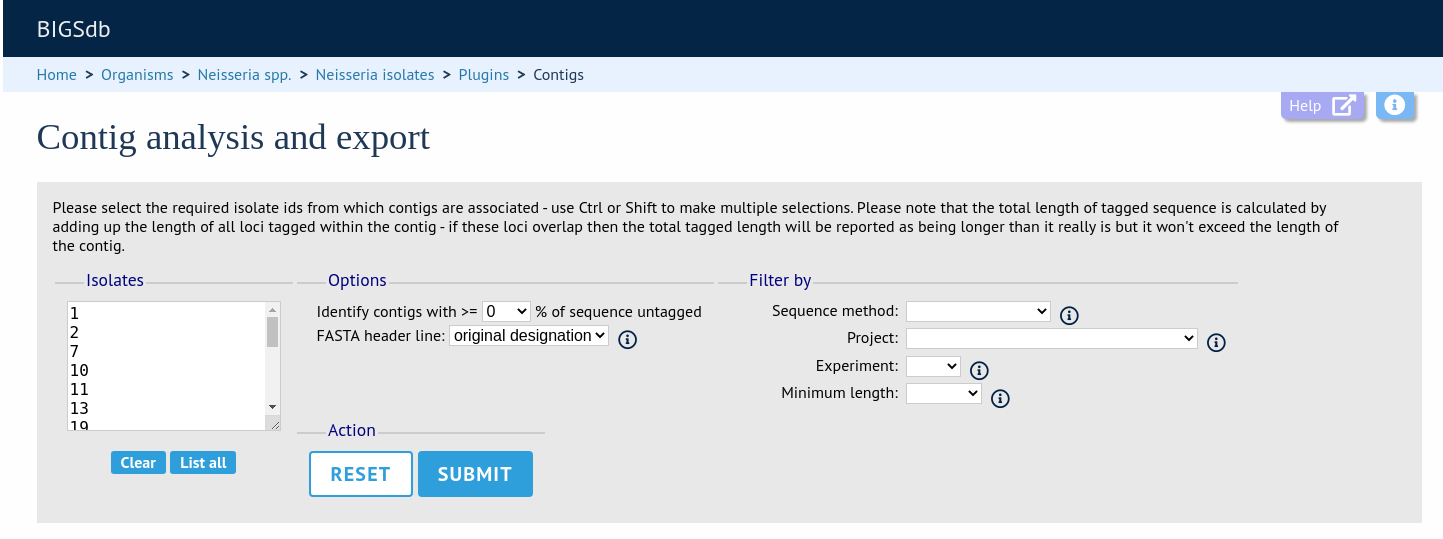
Press submit.
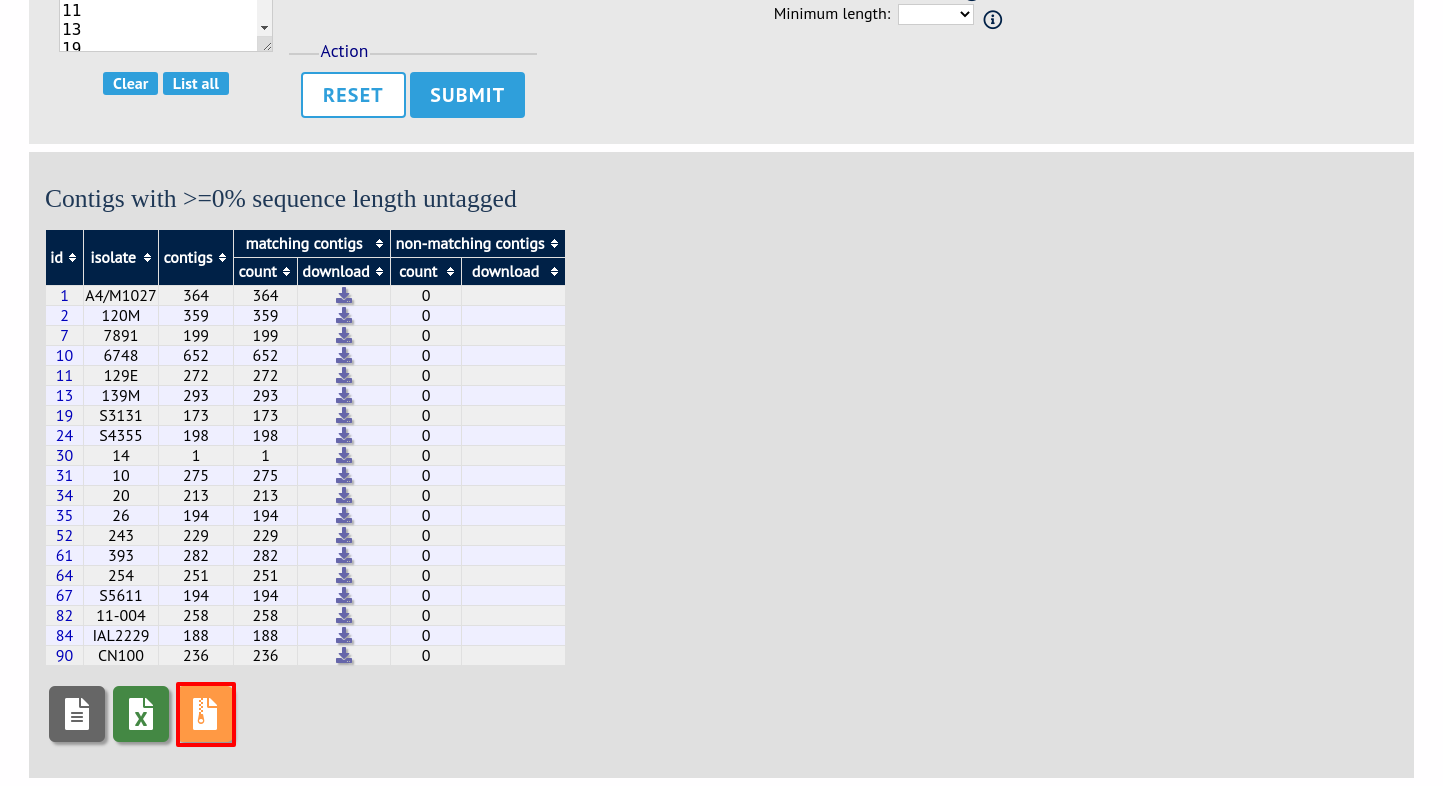
A table will be produced with download links. Clicking these will produce the contigs in FASTA, EMBL, or Genbank format.
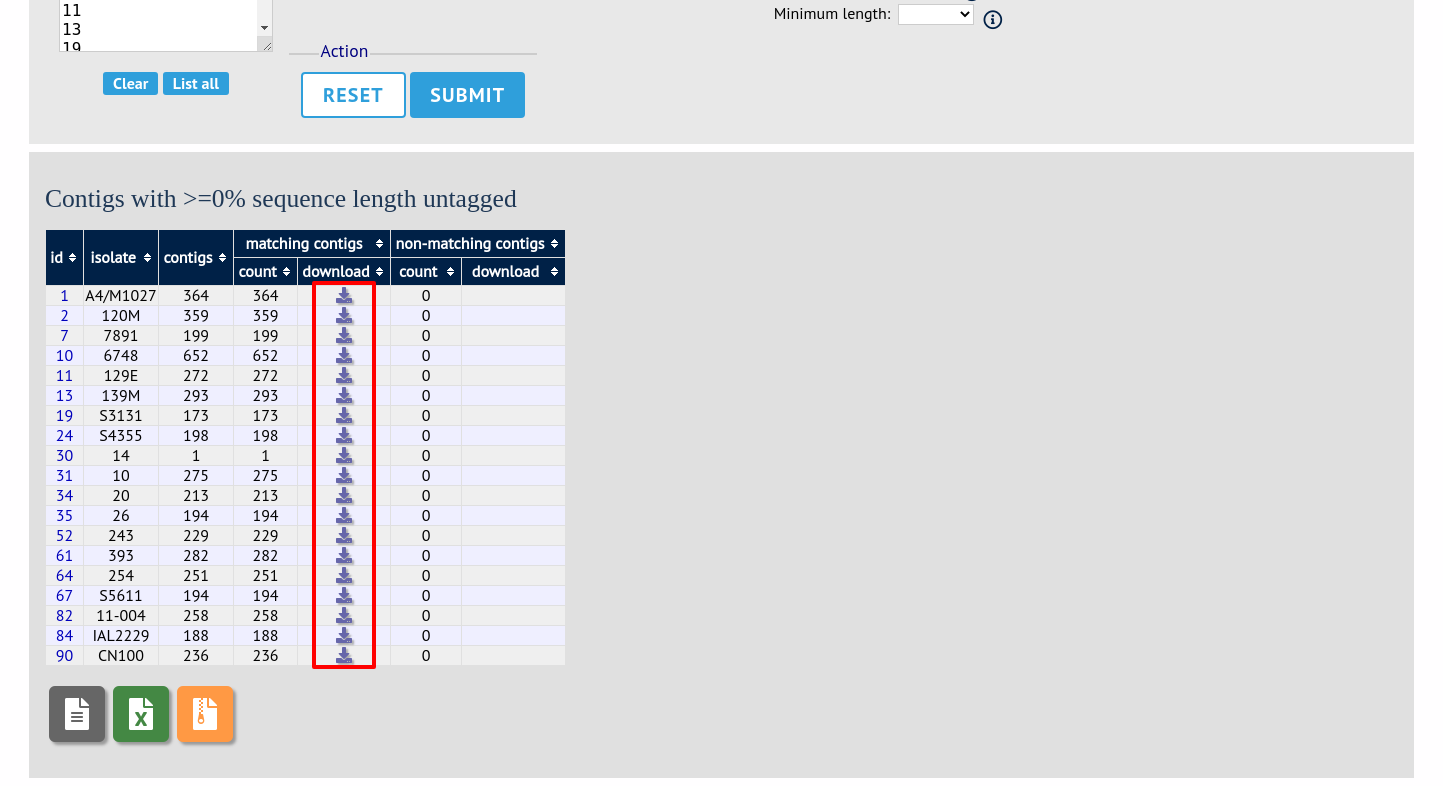
You can also download all the data in a tar.gz file by clicking the appropriate ‘Batch download’ link for the format you want.