Curator’s guide
When you are logged in as a curator or an admin to the standard user interface, you should see a tab that links to the curator interface at the top-right of the page.
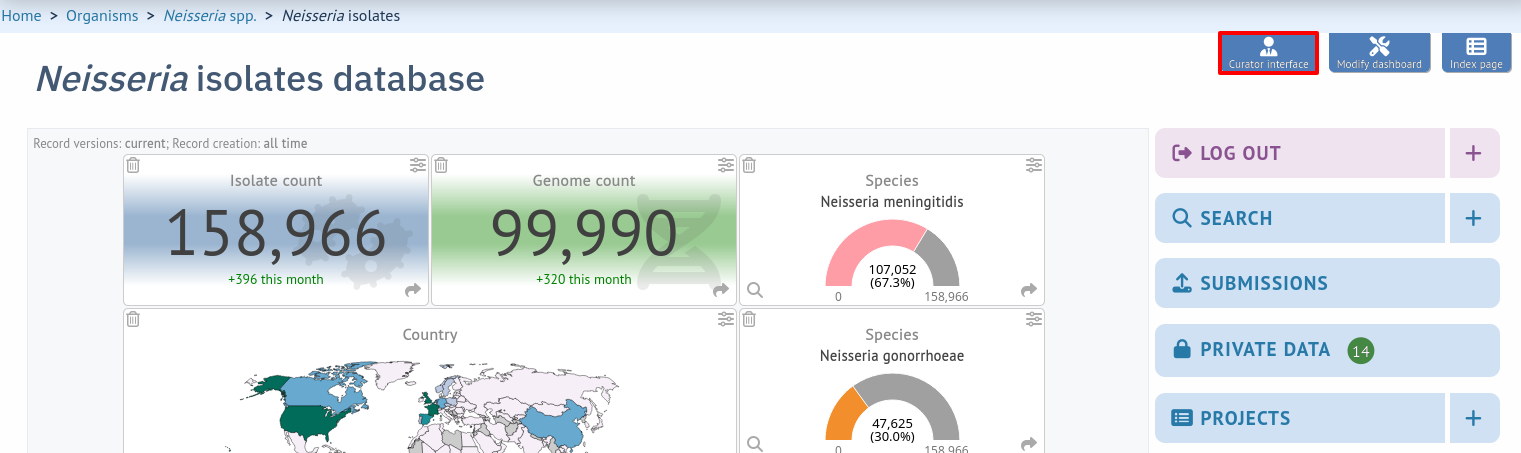
Please note that links displayed within the curation interface will vary depending on database contents and the permissions of the curator. Some infrequently used links are usually hidden by default. These can be enabled by clicking the ‘All functions’ toggle switch. The admin section has feature- specific toggles as well as a ‘Show all’ toggle.

- Adding new sender details
- Adding new allele sequence definitions
- Updating and deleting allele sequence definitions
- Retiring allele identifiers
- Un-retiring allele identifiers
- Updating locus descriptions
- Adding new scheme profile definitions
- Updating and deleting scheme profile definitions
- Retiring scheme profile identifiers
- Un-retiring scheme profile identifiers
- Adding isolate records
- Updating and deleting single isolate records
- Batch updating multiple isolate records
- Deleting multiple isolate records
- Retiring isolate identifiers
- Un-retiring isolate identifiers
- Setting alternative names for isolates (aliases)
- Linking isolate records to publications
- Uploading sequence contigs linked to an isolate record
- Batch uploading sequence contigs linked to multiple isolate records
- Linking remote contigs to isolate records
- Automated web-based sequence tagging
- Projects
- Isolate record versioning
- Populating geographic coordinate lookup values