Browsing isolate data
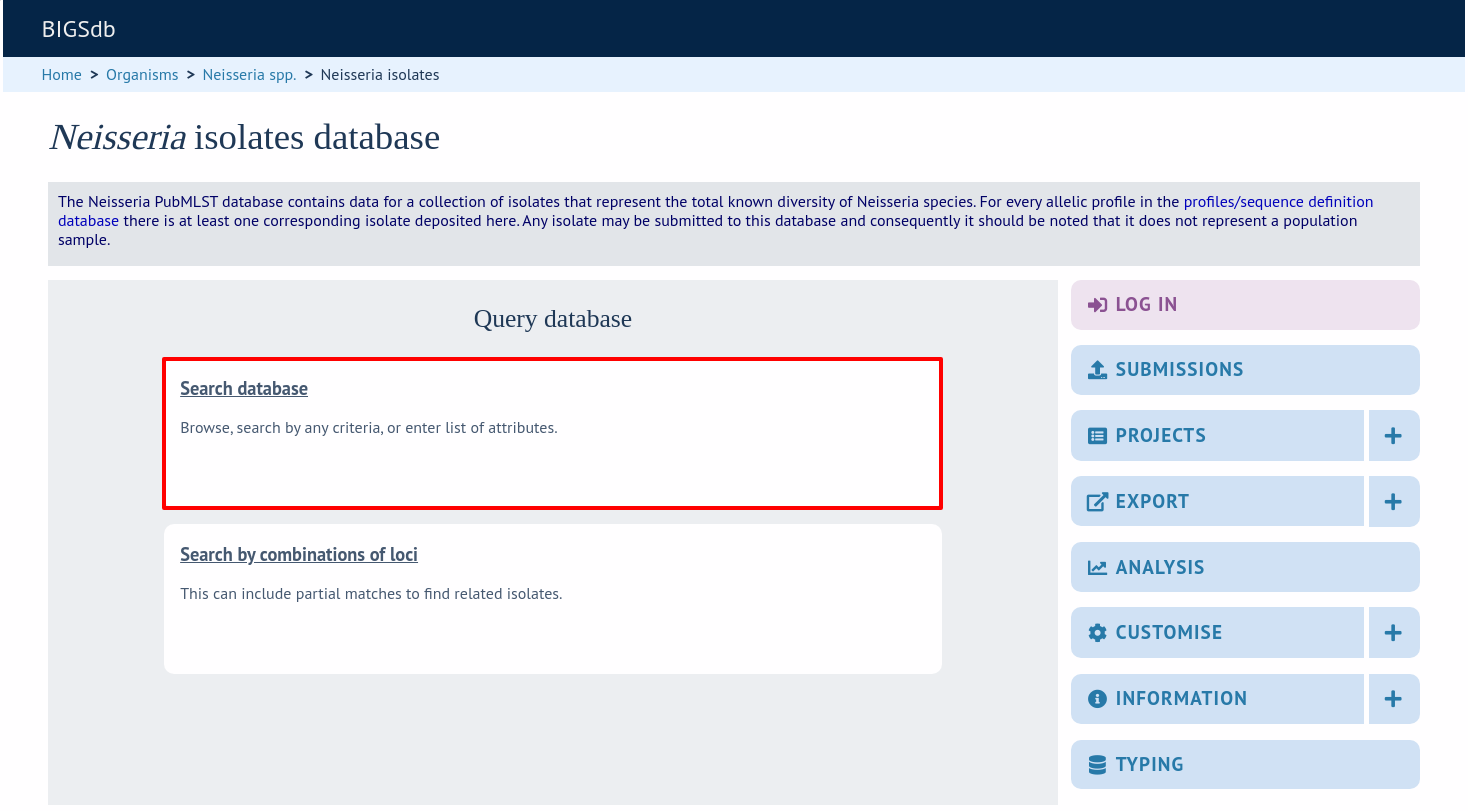
Isolate records can be expanding the ‘Search’ menu on the right-hand side and then clicking ‘Search database’ (other options may also be shown here depending on the database configuration).
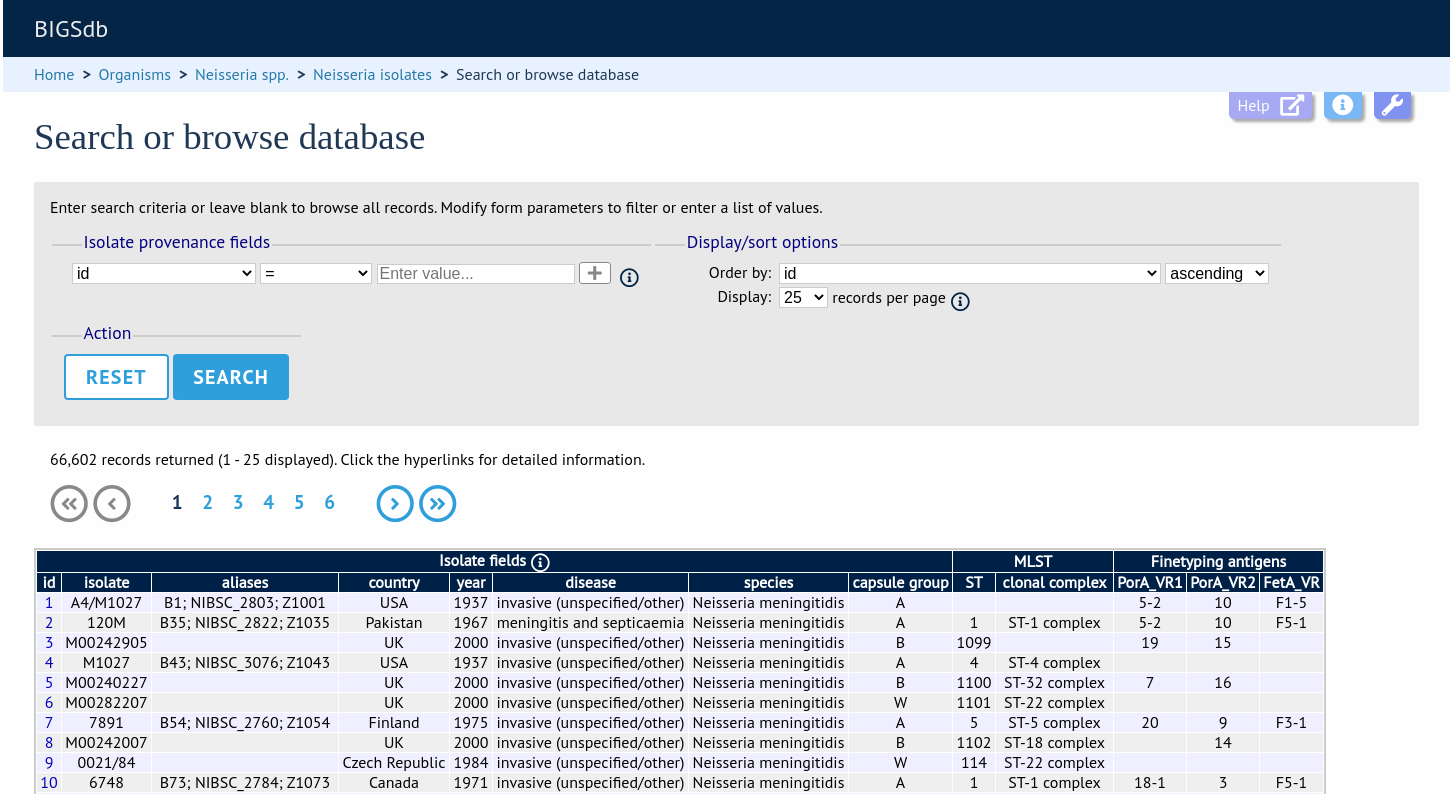
Leave query form fields blank (the display of these may vary depending on modification options set by the user). Choose the field to order the results by, the number of results per page to display, and click ‘Search’.
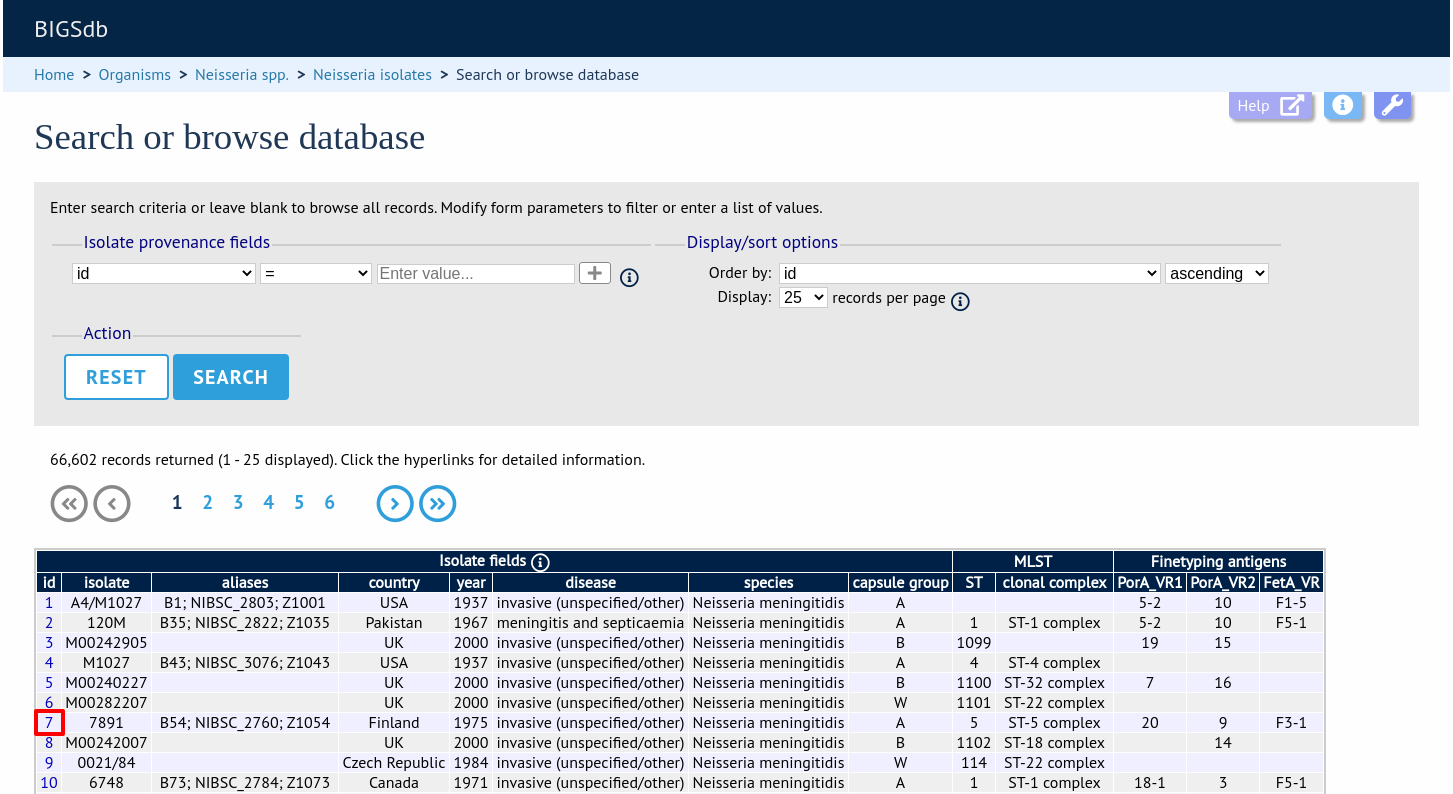
Clicking the hyperlink for any record will display full information about the profile.