Polymorphisms
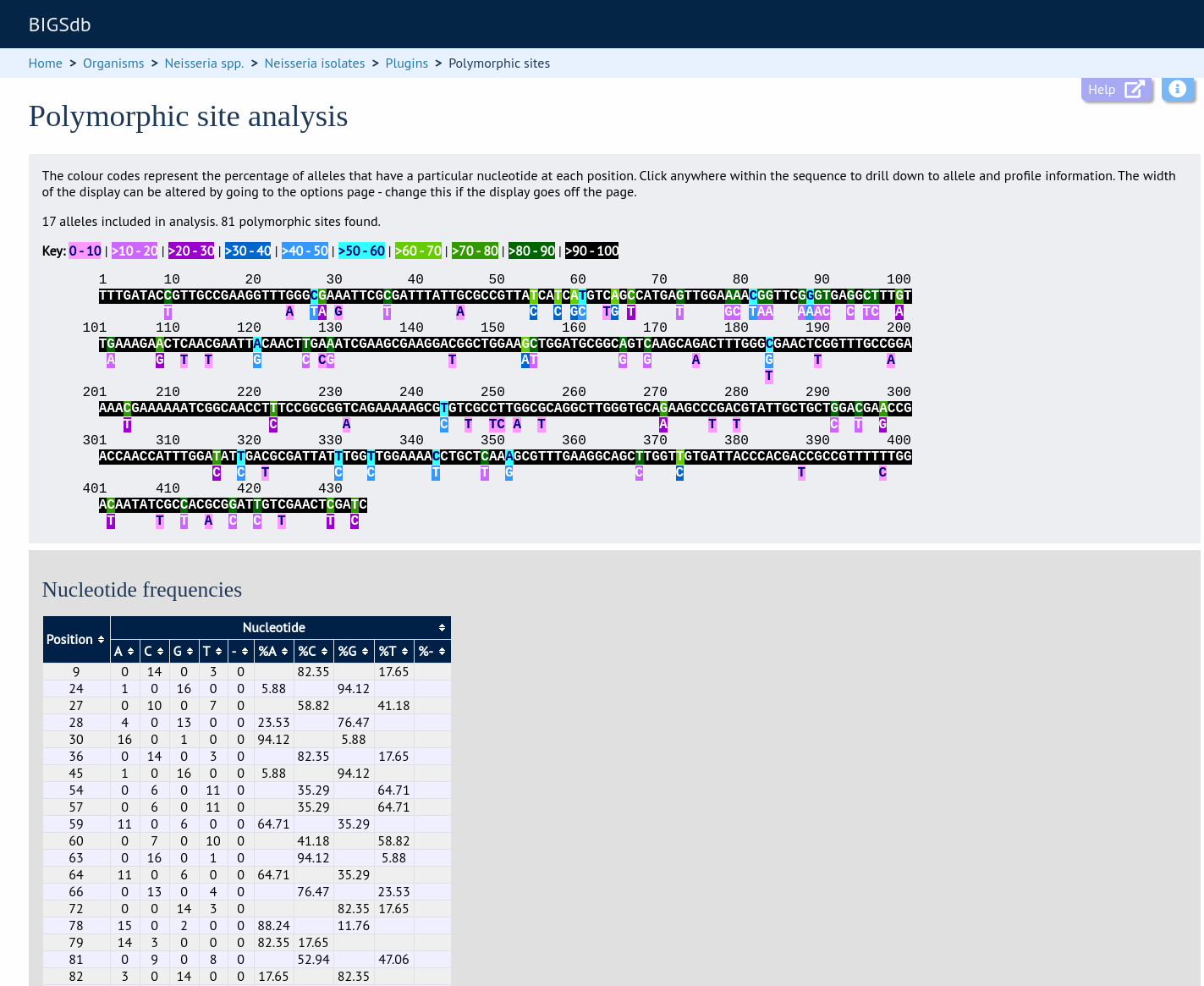
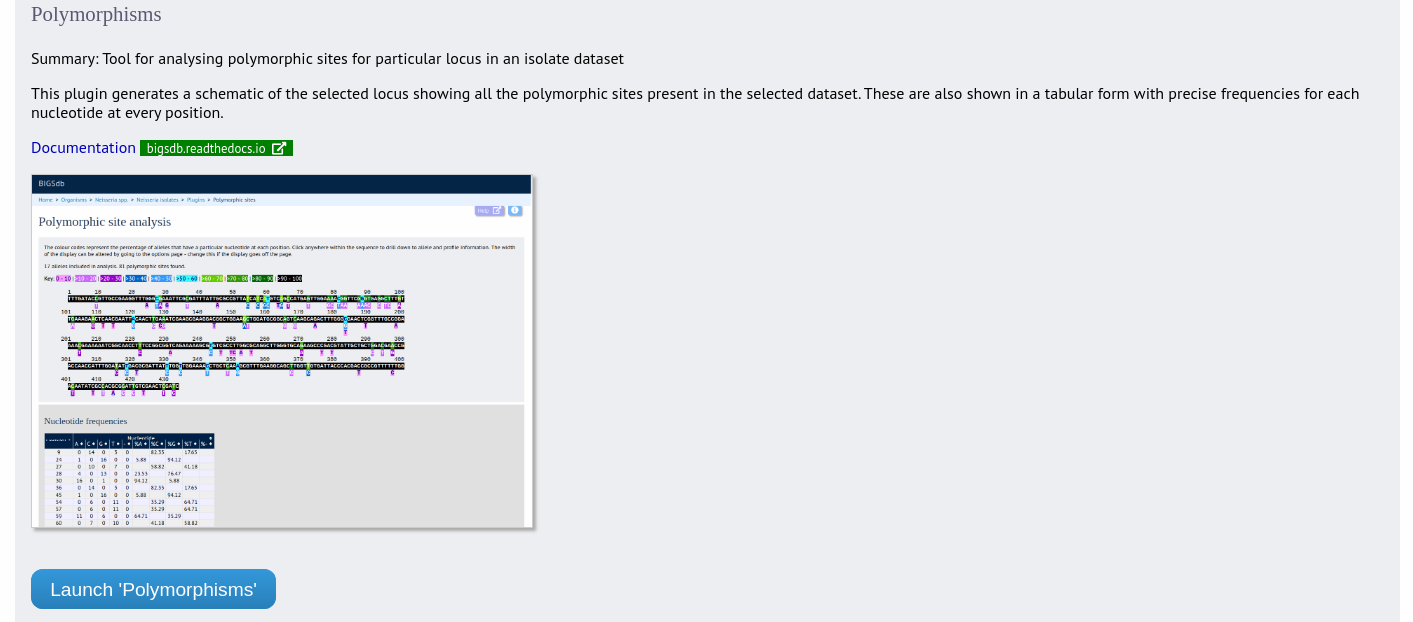
The Polymorphisms plugin generates a Locus Explorer polymorphic site analysis on the alleles designated in an isolate dataset following a query.
The function can be accessed by expanding the “Analysis” section on the main contents page.
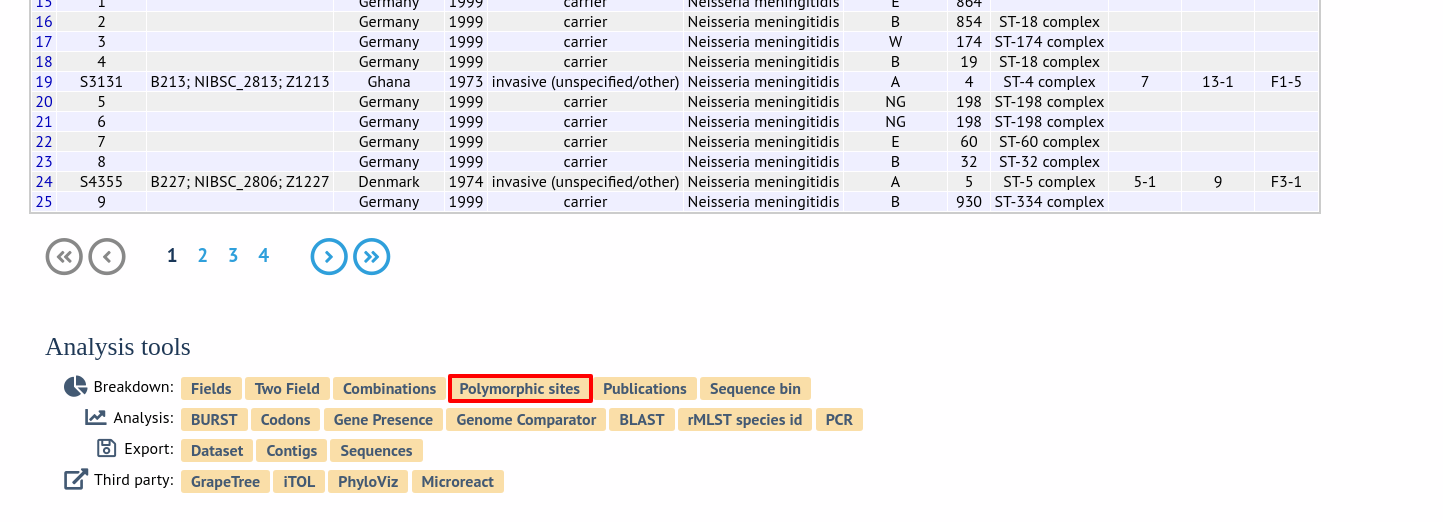
The analysis is accessed by clicking the “Polymorphic sites” button in the Breakdown list at the bottom of a results table following a query.
Select the isolate records to analyse (on large databases you will need to enter a list of ids). These will be pre-selected if you accessed the plugin following a query. Select the locus that you would like to analyse from the list.
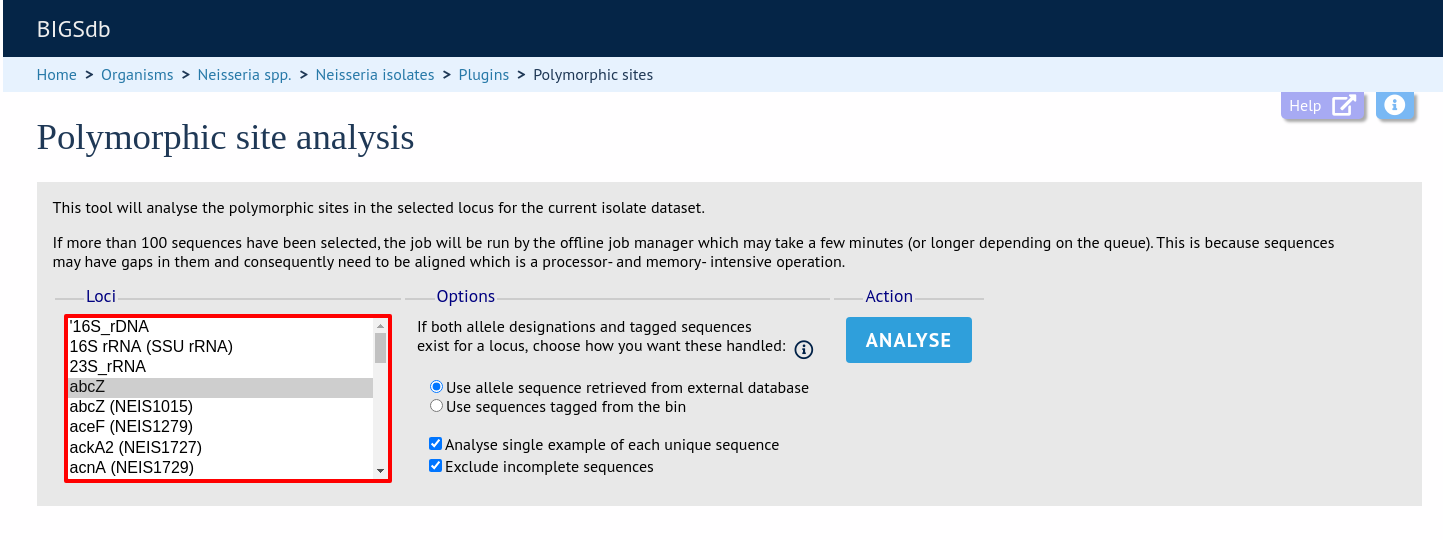
Click “Analyse”.
A schematic of the locus is generated showing the polymorphic sites. A full description of this can be found in the Locus Explorer polymorphic site analysis section.