Unique combinations
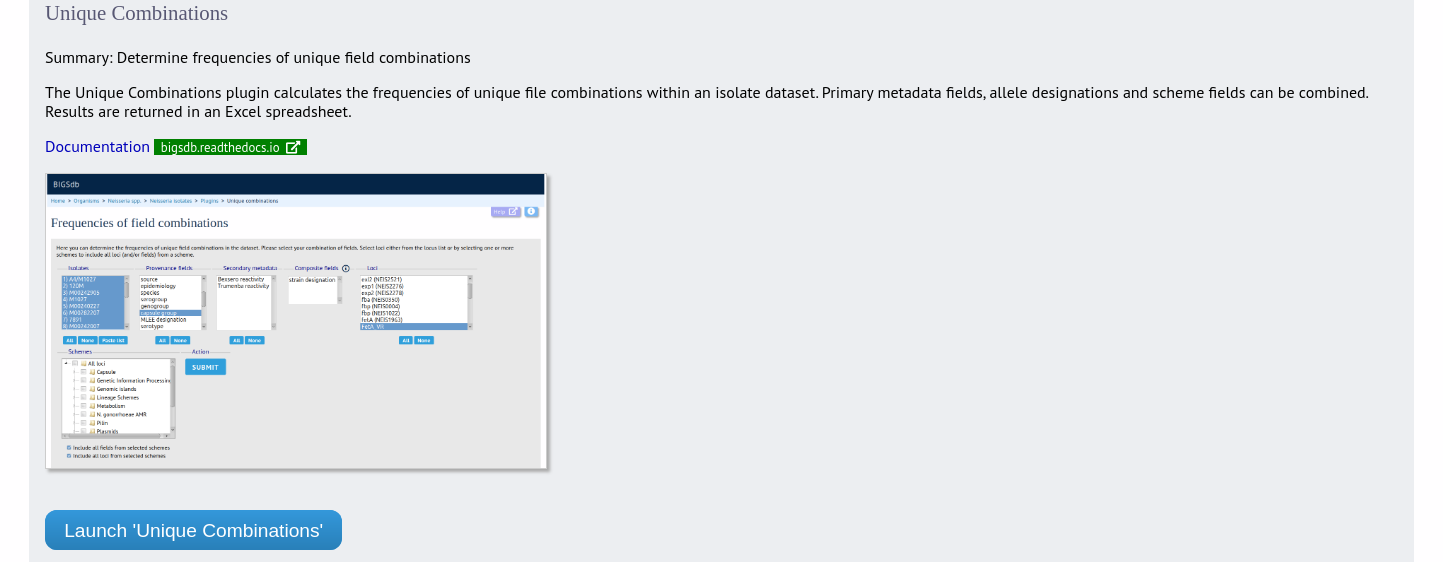
The Unique Combinations plugin calculates the frequencies of unique field combinations within an isolate dataset. Provenance fields, composite fields, allele designations and scheme fields can be combined.
The function can be accessed by expanding the ‘Analysis’ section on the main contents page.
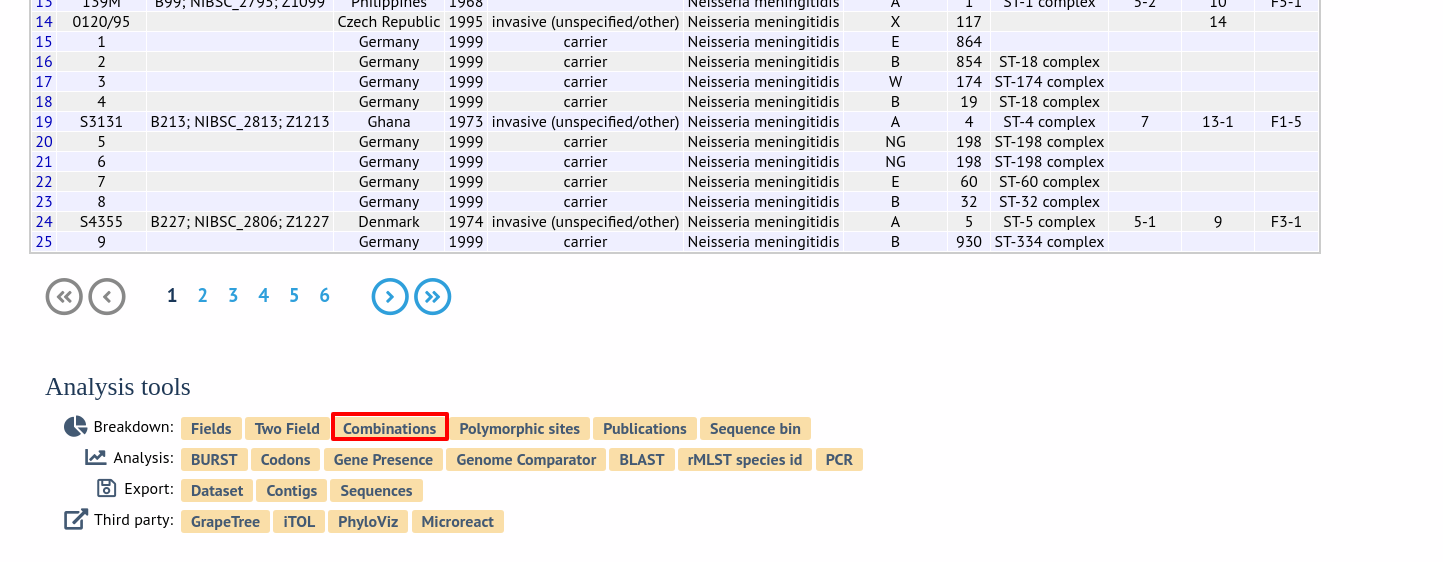
Alternatively, it can be accessed following a query by clicking the ‘Combinations’ button in the Breakdown list at the bottom of the results table. This will run the analysis on the dataset returned from the query. Please note that the list of functions here may vary depending on the setup of the database.
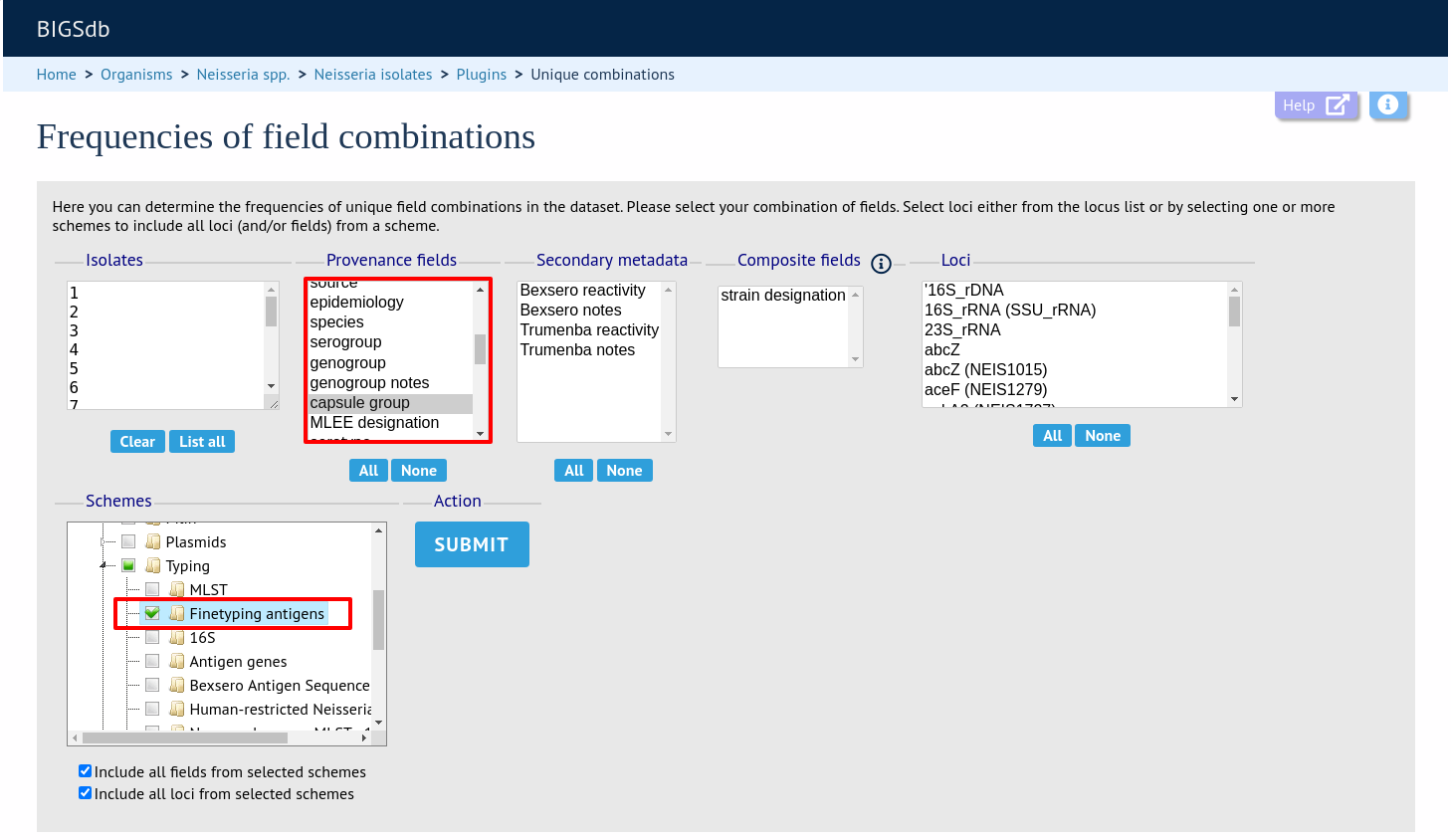
Select the combination of fields to analyse, e.g. serogroup, finetyping antigens, and the locus fHbp_peptide. The dropdown lists allow you to search and select multiple values.
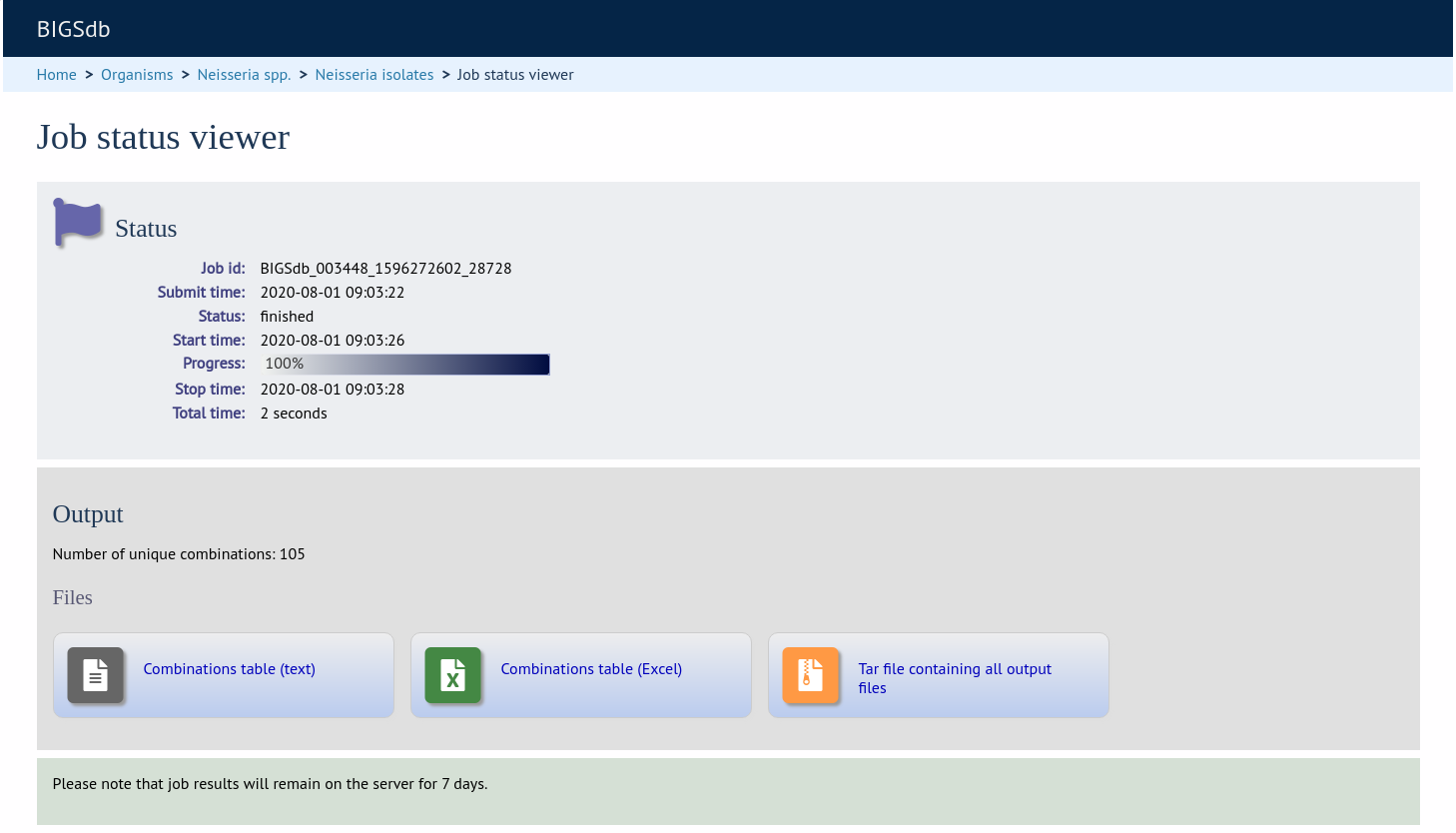
Click submit. The job will be submitted to the job queue. Once analysis has completed, you will be able to download the results in tab-delimited text or Excel formats.
An exemple output (Excel format) is shown below:
